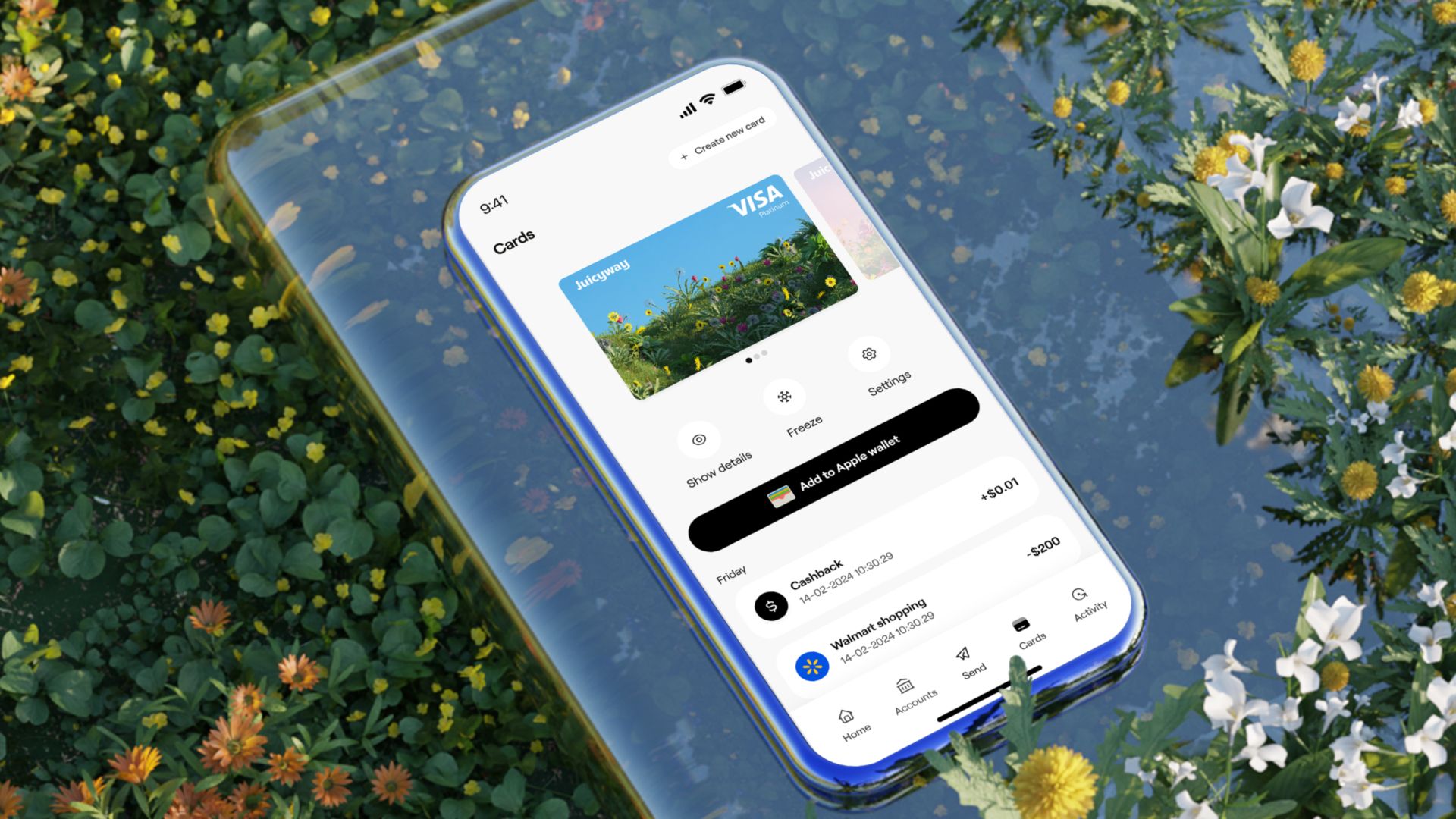


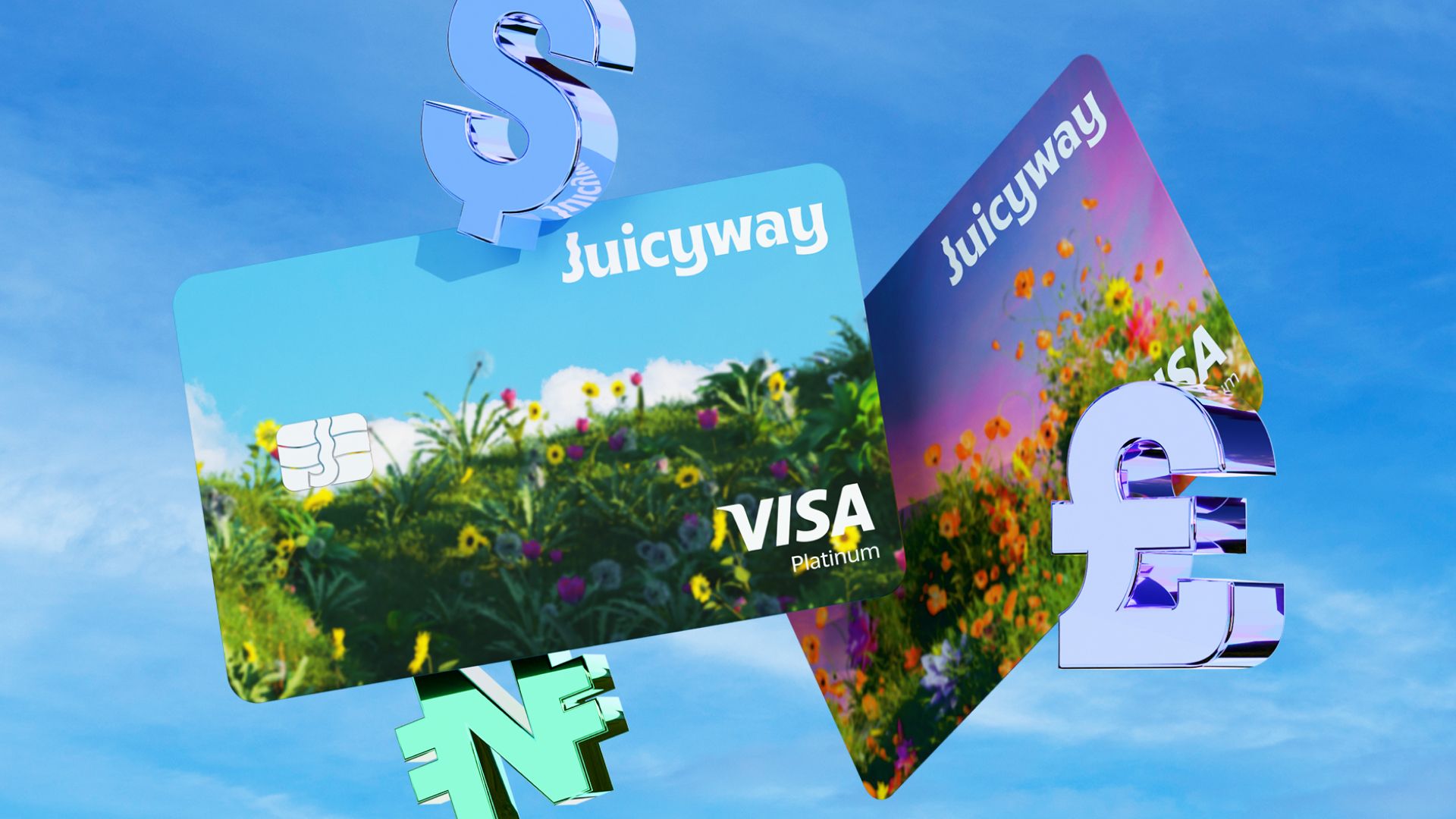
In short
- You can use the Juicyway virtual card wherever Visa is accepted, online and in apps.
- You can add the card to Apple Pay or Google Pay and pay in person or online with your phone.
- You pay from your Juicyway balances, starting with your USD balance.
- We don't charge a card creation fee or a maintenance fee.
Subscriptions and work tools
You can use the Juicyway virtual card for streaming, music, and app subscriptions, and for design, AI, and project management tools. Add the card to each account once, and you pay every month from your Juicyway balances.
Many of these services are priced in dollars. You pay from your USD balance by default, so freelancers can pay for their tools with the dollars their clients send them.
Online shopping
You can use the card at online stores and marketplaces wherever Visa is accepted. At checkout, tap 'Details' on your card and enter your Juicyway PIN to see your card details.
When one balance isn't enough for a payment, the card combines your balances automatically. You also get 0.1% cashback on eligible payments.

Ads and business tools
Businesses can pay for social media ads, search ads, website hosting, and domains with the card. Set a spending limit in your Juicyway app, so you decide how much you spend with the card.
Travel bookings
You can book flights, hotels, and rides online or in the booking app. Some hotels and car rental companies ask to see a physical card when you arrive, so check the booking terms before you travel.
Courses, exams, and games
You can use the card for online courses, exam fees, certifications, games, and in-game purchases. Set a spending limit to decide how much you spend on games.
Paying with your phone
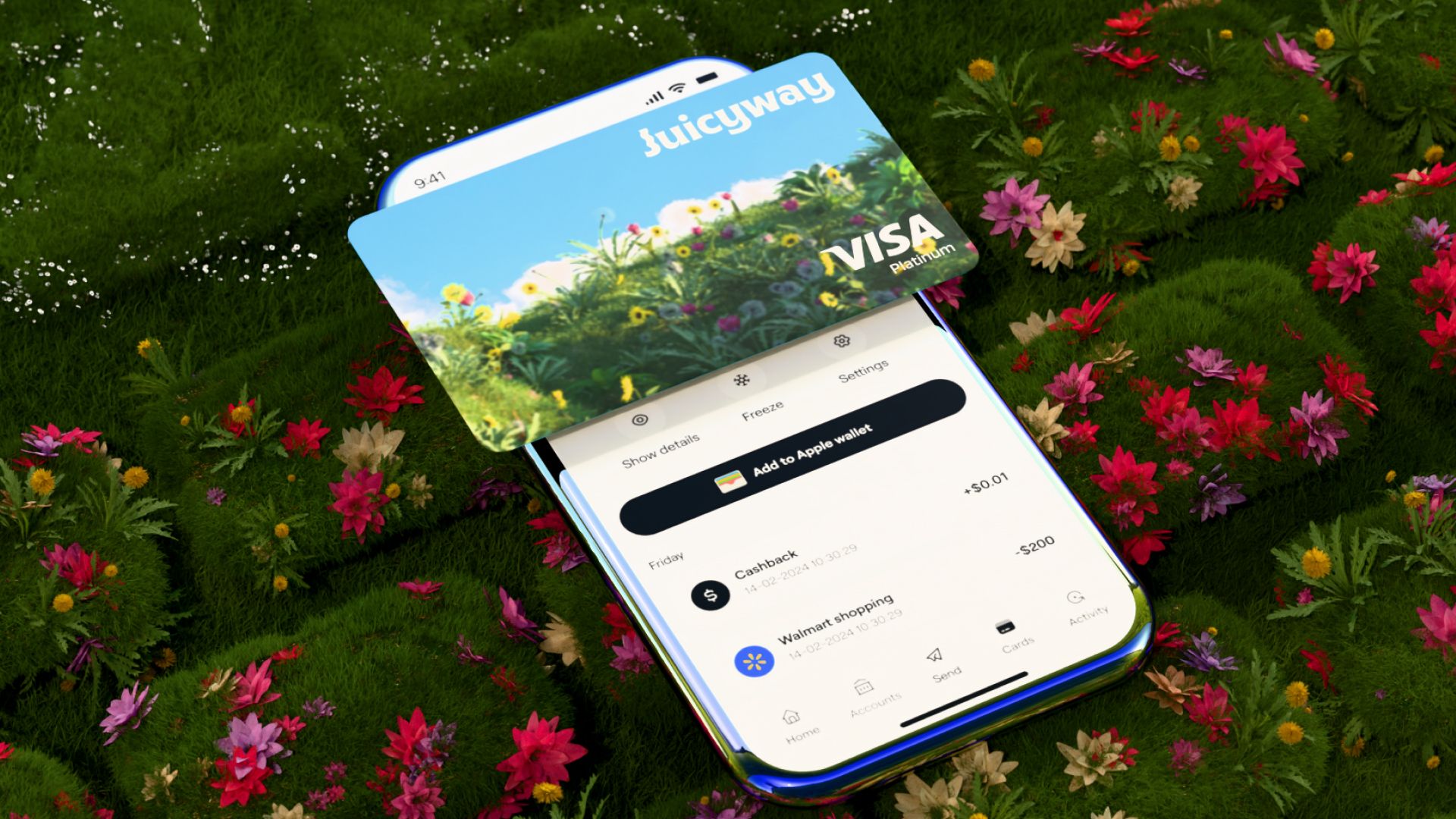
You can add the card to Apple Pay in the UK, the US, and Canada, and to Google Pay in the UK, the US, Canada, and Nigeria. You can then pay in person or online with your phone wherever they're accepted. In your Juicyway app, tap 'Add to Apple Wallet' on an iPhone, or 'Add to Google Wallet' on an Android phone.
Create a card in the Juicyway app
You pay with the card from the money you already have on Juicyway. Create it in the 'Cards' section of the latest version of the Juicyway app. Cards are subject to eligibility.
Key terms
Virtual card: A card with a card number, an expiry date, and a security code that you use from your phone instead of a plastic card.
Spending limit: The most you can spend with the card. You set it in your Juicyway app.
Frequently asked questions
Can I take cash out with the virtual card?
No. You can't use a virtual card at ATMs.
Can I use the card for payments that repeat every month?
Yes. Add the card to the account once, and you pay every month from your Juicyway balances.
What happens to my subscriptions if I freeze the card?
You can't make any payments with the card while it's frozen, including subscription payments. Unfreeze the card in your Juicyway app to pay again.