



In short
- You transfer dollars to your USD account, pounds to your GBP account, euros to your EUR account, and Canadian dollars to your Canadian dollar account.
- You need a USD account before you can request a pound or euro account.
- You copy your account details from your Juicyway app and use them to make the transfer from your bank.
- You can transfer Canadian dollars by Interac e-Transfer or Interac Request Money.
- Your first deposit can take one to two working days.
Request the account first
You have a separate account for each currency in your Juicyway app, and you request each account before you can pay into it. To request a USD, GBP, EUR, or Canadian dollar account, tap 'Wallets' in your Juicyway app, choose the currency, tap 'Account details', then tap 'Request account' and confirm.
Your request can take longer than five minutes. Your account details can appear in the app before the confirmation email arrives, so check the app first.
You need a USD account before you can request a pound or euro account. You don't need one for a Canadian dollar account.
Dollars, pounds, and euros from your bank
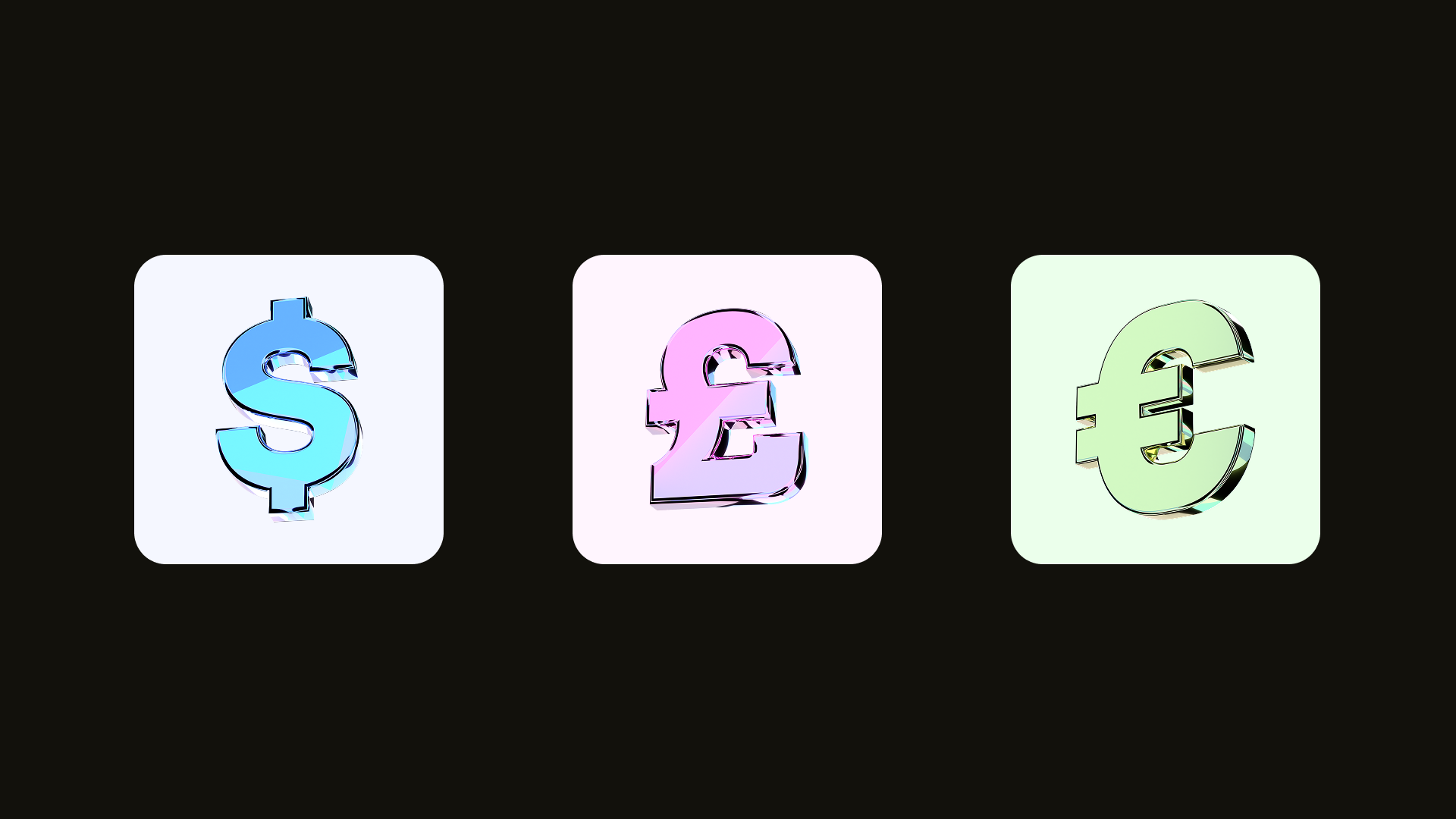
Your USD, GBP, and EUR accounts each have their own account details. You transfer the same currency as the account.
- Choose the currency: Sign in to your Juicyway app, tap 'Wallets', and choose the currency you're transferring: USD for dollars, GBP for pounds, or EUR for euros.
- Choose a bank transfer and enter the amount: Tap 'Deposit', tap 'Select payment method', then tap 'Bank transfer'. On the same screen, type in the amount you're transferring. Your Juicyway app then shows the account details for that currency.
- Copy the account details: The details are different for each currency.
- USD: Bank name, account name, account number, account type, bank address, and routing number.
- GBP: Bank name, account name, account number, account type, bank address, and sort code.
- EUR: Bank name, account name, account number, account type, and bank address.
- Make the transfer from your bank: Sign in to your bank's app or website, start a transfer in the same currency, and paste in the details exactly as your Juicyway app shows them. Check the amount and the currency before you confirm. Your bank may charge its own fee for the transfer.
- Tap 'I have made payment': Do this in your Juicyway app once you've made the transfer. Keep your bank's confirmation until the money appears in your balance. When a transfer takes longer than expected, chat with us in your Juicyway app and share the confirmation.
A routing number is the nine-digit code that identifies a bank in the US. A sort code is the code that identifies a UK bank or payment provider.
Canadian dollars by Interac e-Transfer

You can transfer Canadian dollars to your Juicyway account with Interac e-Transfer, the Canadian service for sending money from a bank account to an email address or mobile number. You can send an e-Transfer yourself, or pay a money request that Juicyway sends to your email address.
To send an e-Transfer, follow these steps:
- Choose Interac e-Transfer and enter the amount: Sign in to your Juicyway app, tap 'Wallets', and choose Canadian dollars. Tap 'Deposit', tap 'Select payment method', then tap 'Interac e-Transfer'. On the same screen, enter an amount above CA$5 and tap 'Continue'.
- Add your email address: On the next screen, type in the email address you'll send the e-Transfer from. The 'Pay with Interac' screen then shows the email address to send the money to: payments@juicyway.com.
- Send the e-Transfer from your bank: In your bank's app, send the same amount by Interac e-Transfer from that email address to payments@juicyway.com.
- Tap 'I have made payment': Do this in your Juicyway app once your bank confirms the e-Transfer.
To pay a money request instead, follow these steps:
- Choose Interac Request Money and enter the amount: Sign in to your Juicyway app, tap 'Wallets', and choose Canadian dollars. Tap 'Deposit', tap 'Select payment method', then tap 'Interac Request Money'. On the same screen, type in the amount you want to deposit.
- Add your email address: On the next screen, type in your email address.
- Pay the request from your bank: Open the request in your email and pay it through your bank's online or mobile banking.
How long a deposit takes
Your first deposit can take one to two working days. After that, the time depends on the type of transfer you make from your bank.
You can transfer dollars in three ways:
- ACH transfer: ACH is the US network banks use for everyday transfers between bank accounts. An ACH transfer arrives on the same banking day, the next banking day, or two banking days later.
- Same-day wire: A wire your bank sends through Fedwire, the Federal Reserve's wire service, arrives the same day.
- FedNow: FedNow is the Federal Reserve's payment system for transfers at any hour. When your bank sends your transfer through FedNow, the dollars can arrive in as quickly as a few seconds, on any day of the week, including weekends.
Pounds come in through Faster Payments, the UK network for real-time bank transfers. It's available day and night, every day of the year.
Euros come in through SEPA, the Single Euro Payments Area. SEPA is a scheme for euro transfers between banks in 41 countries.
Canadian dollars come in by Interac e-Transfer. When you pay an Interac money request, the transfer is typically almost instant.
Sending and converting the money
Once the money is in your Juicyway accounts, you can send it from any of your balances to a bank account in the same currency. You can send dollars to any US bank account, pounds to UK bank accounts through Faster Payments, euros to euro bank accounts through SEPA, and Canadian dollars to Canadian bank accounts through Interac e-Transfer.
You can also send naira to any Nigerian bank account straight from a dollar, pound, or euro balance. Your Juicyway app converts the money as part of the payment.
To convert money from one currency to another without sending it, use 'Convert' in your Juicyway app whenever you choose. Until you send or convert it, your money remains in the currency it arrived in.
Key terms
- ACH: The US network banks use for everyday transfers between bank accounts.
- FedNow: The Federal Reserve's payment system for transfers at any hour.
- Interac e-Transfer: The Canadian service for sending money from a bank account to an email address or mobile number.
- Routing number: The nine-digit code that identifies a bank in the US.
- SEPA: The Single Euro Payments Area, a scheme for euro transfers between banks in 41 countries.
- Sort code: The code that identifies a UK bank or payment provider.