
Form Submitted

The free virtual card you’ll fall in love with
Create a Juicyway virtual Visa card in the app. Pay online wherever Visa is accepted, or add the card to Apple Pay or Google Pay and pay in person too.
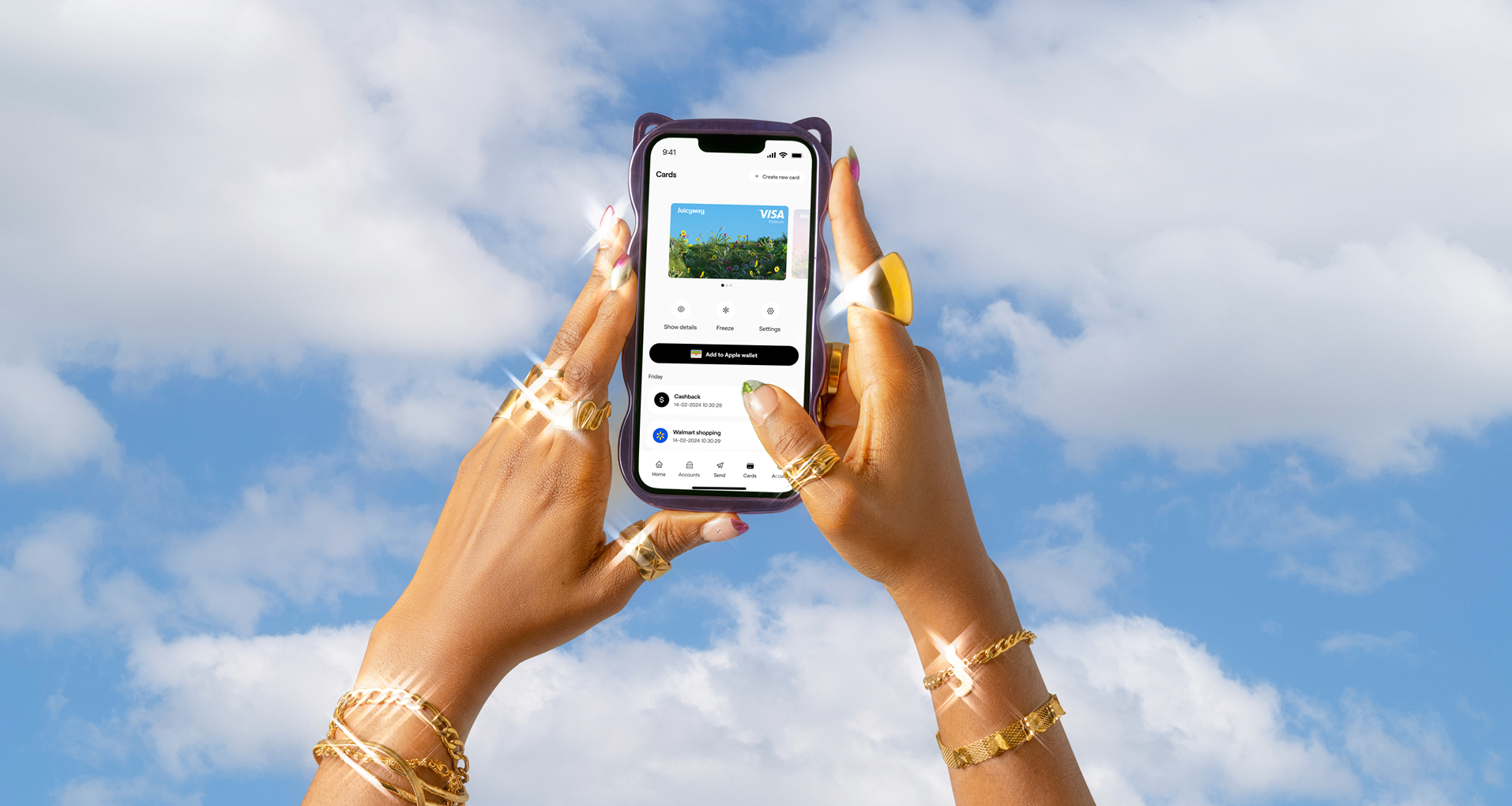
Pay wherever Visa is accepted
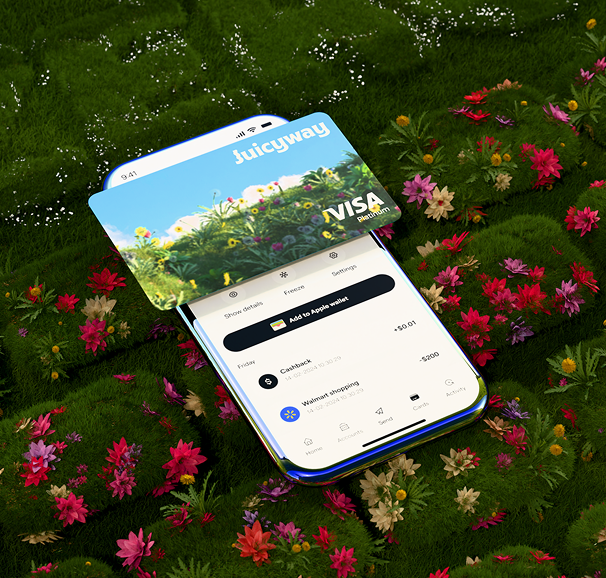
Pay your streaming and music subscriptions every month.
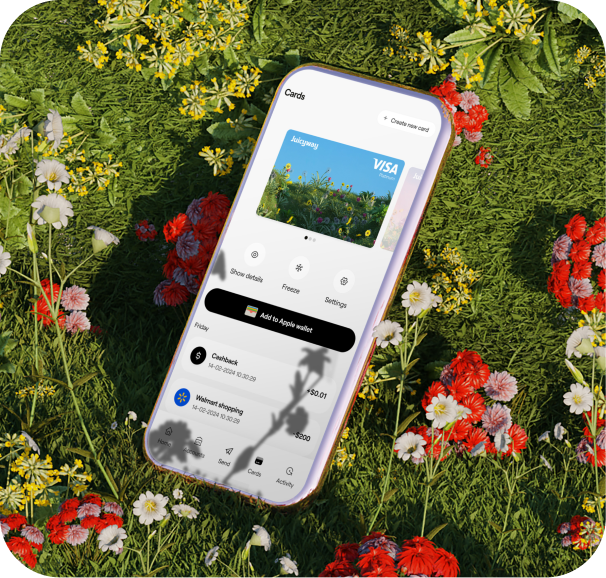
Shop online, and book flights and hotels.
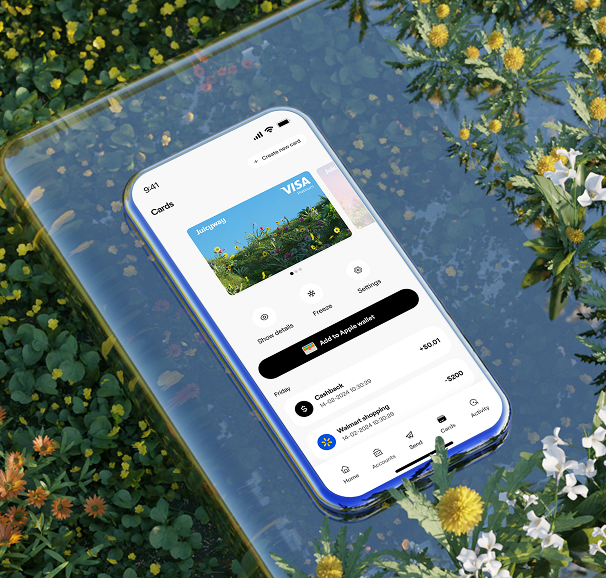
Pay for work tools, ads, and online courses.
How the card works

Fees we don't charge
We don't charge a card creation fee or a maintenance fee.
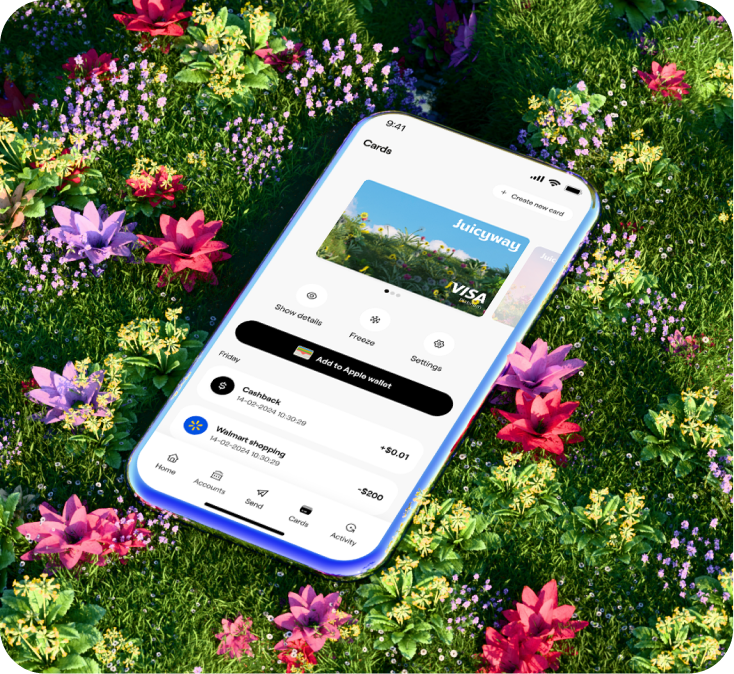
Tap your phone to pay
Add the card and pay in person or online.

Pay from any balance
You pay from your USD balance by default, and the card combines your balances when one isn't enough.

0.1% cashback
Get 0.1% cashback on payments listed in the card terms.

Freeze, unfreeze, set limits
Freeze or unfreeze the card and set spending limits in the app.
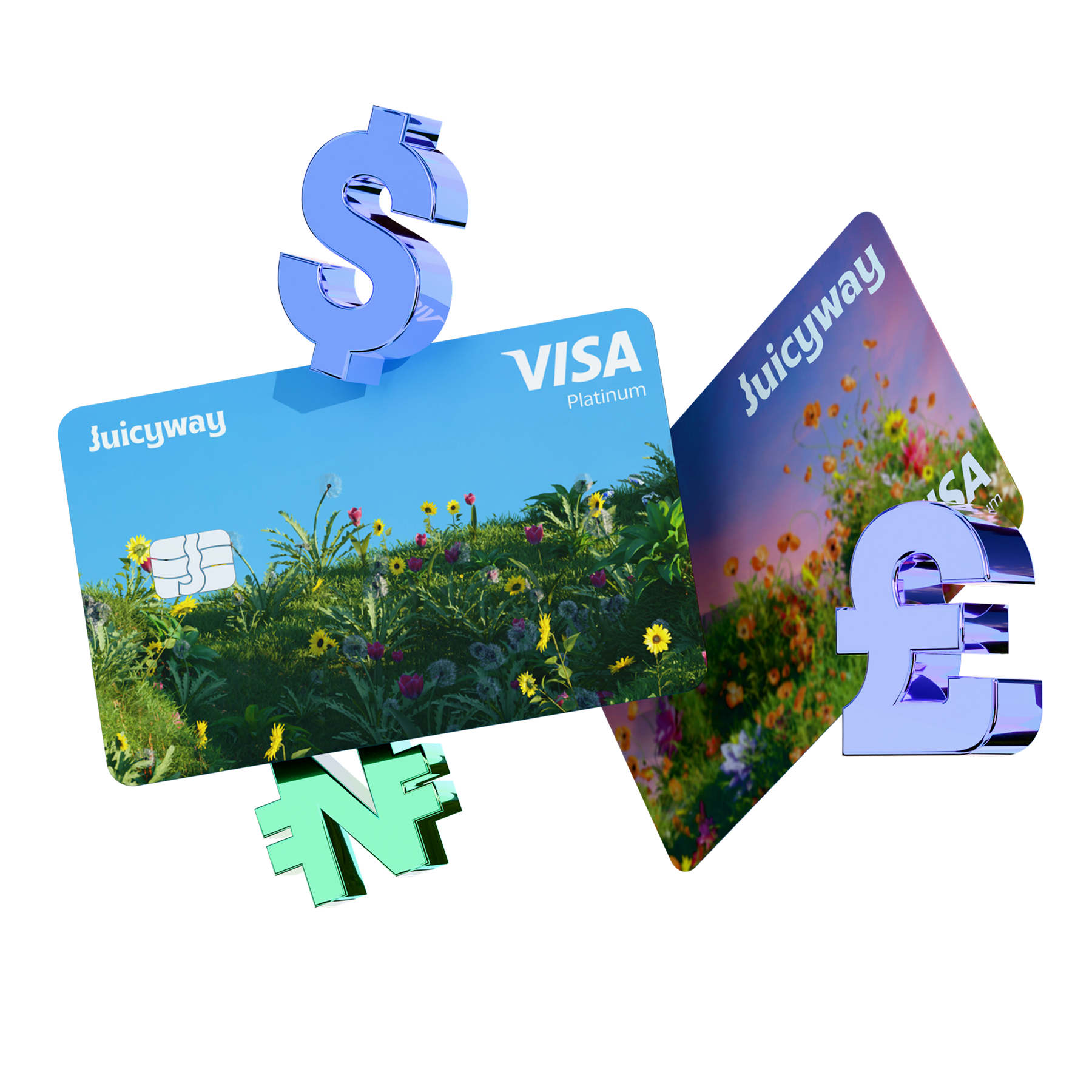
Create a card in the Juicyway app
Open a Juicyway account or sign in, then tap 'Cards' at the bottom of the screen and tap 'Create card'.
Get the appCommon questions about the card
Yes. Open a Juicyway account in the app, then create a card in the 'Cards' section. Cards are subject to eligibility.
You pay from your USD balance by default, and you can add other balances in 'Settings' on your card. When one balance isn't enough for a payment, the card combines your balances automatically.
You don't need to fund the card. You pay from the Juicyway balances you choose.
We don't charge a card creation fee or a maintenance fee. You can see any other fees that may apply in the card terms.
Yes. You get 0.1% cashback on eligible payments. You can see the payments that earn cashback in the card terms.
You can pay for subscriptions, online shopping, travel bookings, work tools, ads, courses, and games wherever Visa is accepted, online and in apps.
Yes. You can add the card to Apple Pay in the UK, the US, and Canada, and to Google Pay in the UK, the US, Canada, and Nigeria. You can then pay in person or online with your phone.
No. You can't use a virtual card at ATMs.
Yes. In your Juicyway app, you can freeze the card to stop payments, unfreeze it to pay again, and set spending limits.
Yes. You can use your address on Juicyway as your card billing address.