


We update the Juicyway app quite frequently to improve your experience. Juice Pack is our new monthly roundup of updates, and this month's edition features changes to business verification and more ways for individuals to add money on the app.
What's new
- Business verification is now in one place: You add your company details, verify shareholders, and upload documents one step after another in the app.
- CAD auto deposit takes one less step: Businesses set up an email once and no longer approve each sender's email address.
- Card deposits are back: Individuals in the UK, the US, the EU, and Canada can add money by card, Apple Pay, or Google Pay.
- Your card no longer has to match the currency: Any eligible card from a supported country works for a USD deposit.
For businesses
Business verification in one place
Setting up a business account on Juicyway now takes one set of steps from start to finish. We verify your business, the people who own it, and the documents that support both, so you add your company details, verify shareholders, and upload documents one step after another instead of as separate tasks. You can see which step you're on and what is left at each point. When we verify your business, you can start making payments and converting currencies in the app.

CAD deposits without approving each sender
Setting up your email for CAD auto deposit is now the only step. We don't ask you to approve each sender's email address separately, so the money arrives without a second approval. Businesses already receiving Canadian dollars this way keep doing so, and have nothing new to set up.

For individuals
Card, Apple Pay, and Google Pay deposits
Individuals in the UK, the US, the EU, and Canada can add money to a USD, GBP, or EUR account with:
- Debit and credit cards: Visa, Mastercard, American Express, Maestro, and Discover.
- Apple Pay
- Google Pay
Your card and the account you're adding money to no longer have to be in the same currency. You can add dollars with any eligible card from a supported country, including a card issued in the UK.
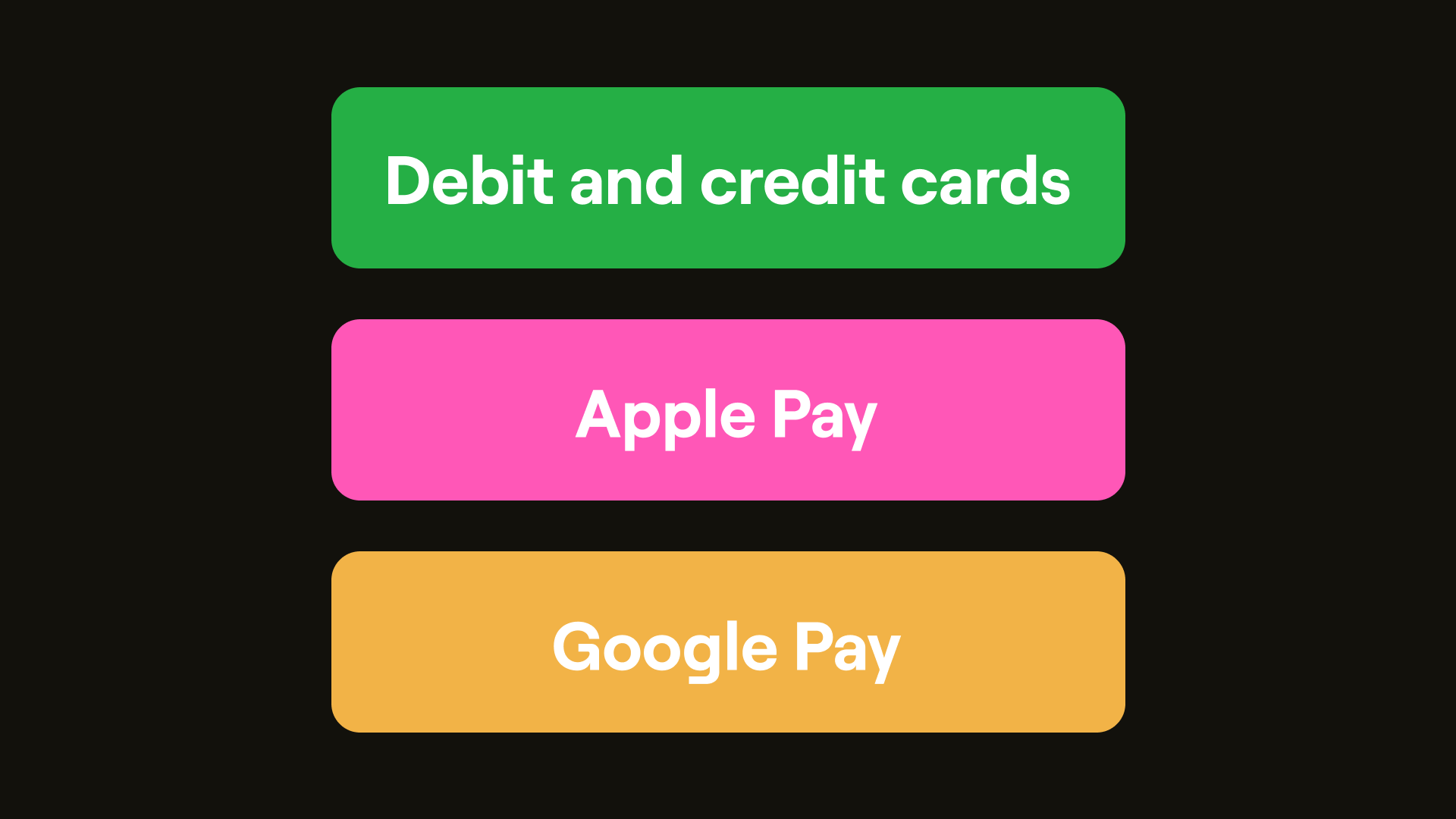
Apple Pay works on Safari on an Apple device. On another browser, the payment page shows a QR code, and you scan it with your Apple device to finish the payment. Google Pay uses the card in your Google Wallet, so you don't have to type your card details.
The minimum deposit is £5, $5, or €5, depending on the account you're adding money to. Your card issuer sets the maximum.
Explore the app to see every improvement in this Juice Pack.