



Juicyway Tag: The Fastest Way to Receive Payments
Getting paid should be easy—no long bank details, no stress. That’s why we created Juicyway Tag, your unique, customisable payment link for fast and seamless transactions. This article provides a step-by-step guide on how to use your Juicyway tag.
What is a Juicyway Tag?
Your Juicyway Tag is a unique ID linked to your account. Think of it as your personal payment shortcut—no need to send bank details every time.
💡 Key benefits:✔ Auto-generated when you create a Juicyway account.✔ Fully customisable—make it match your brand or personality.
Now, let’s set up your tag and start receiving payments.
How to Use Your Juicyway Tag
Step 1: Log in to Your Juicyway Account
Before you start, make sure your Juicyway account is set up and verified.
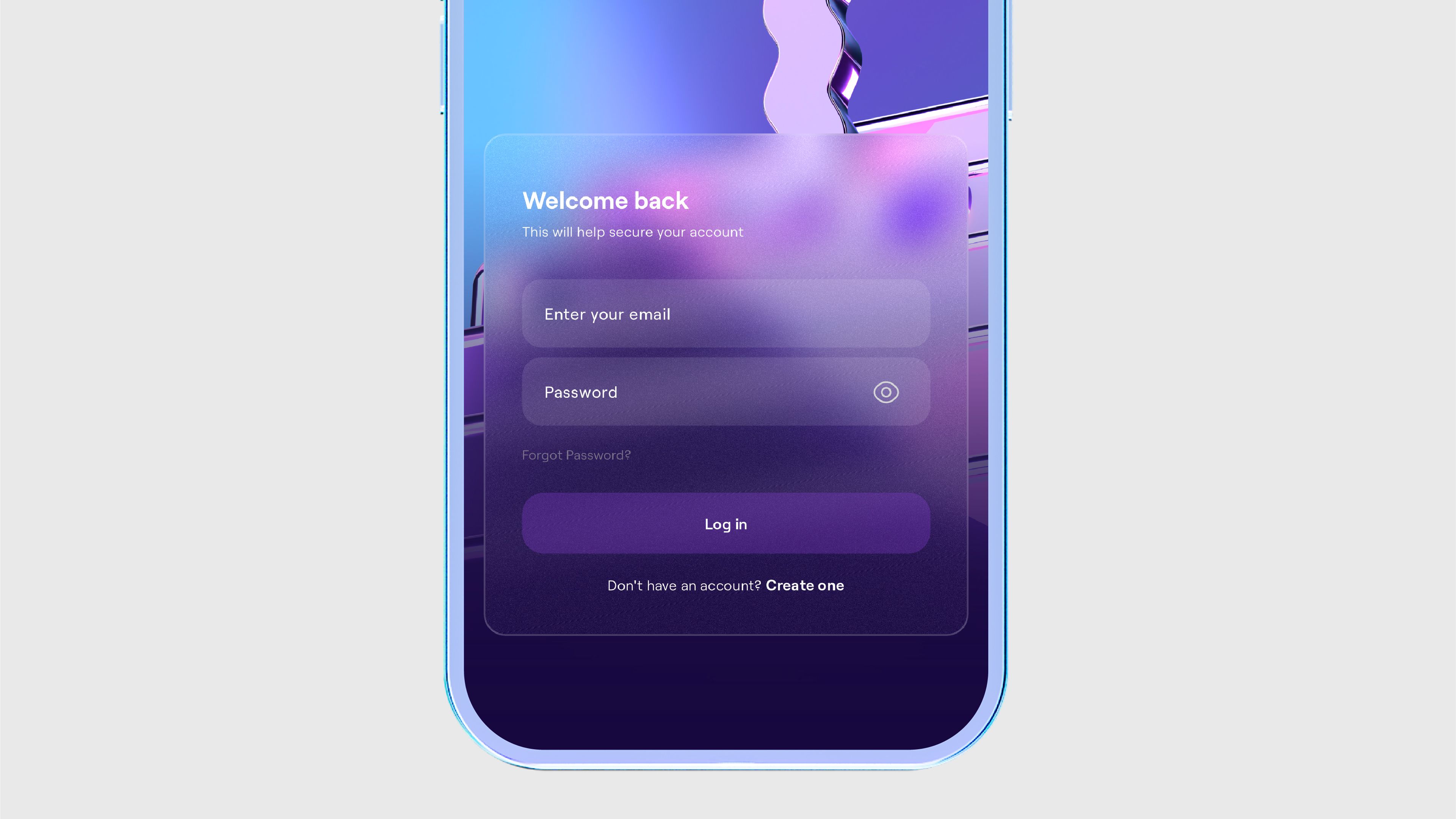
- Open the Juicyway app or log in via the website.
- If you forgot your password, reset it or contact support.
Step 2: Find & Customize Your Tag
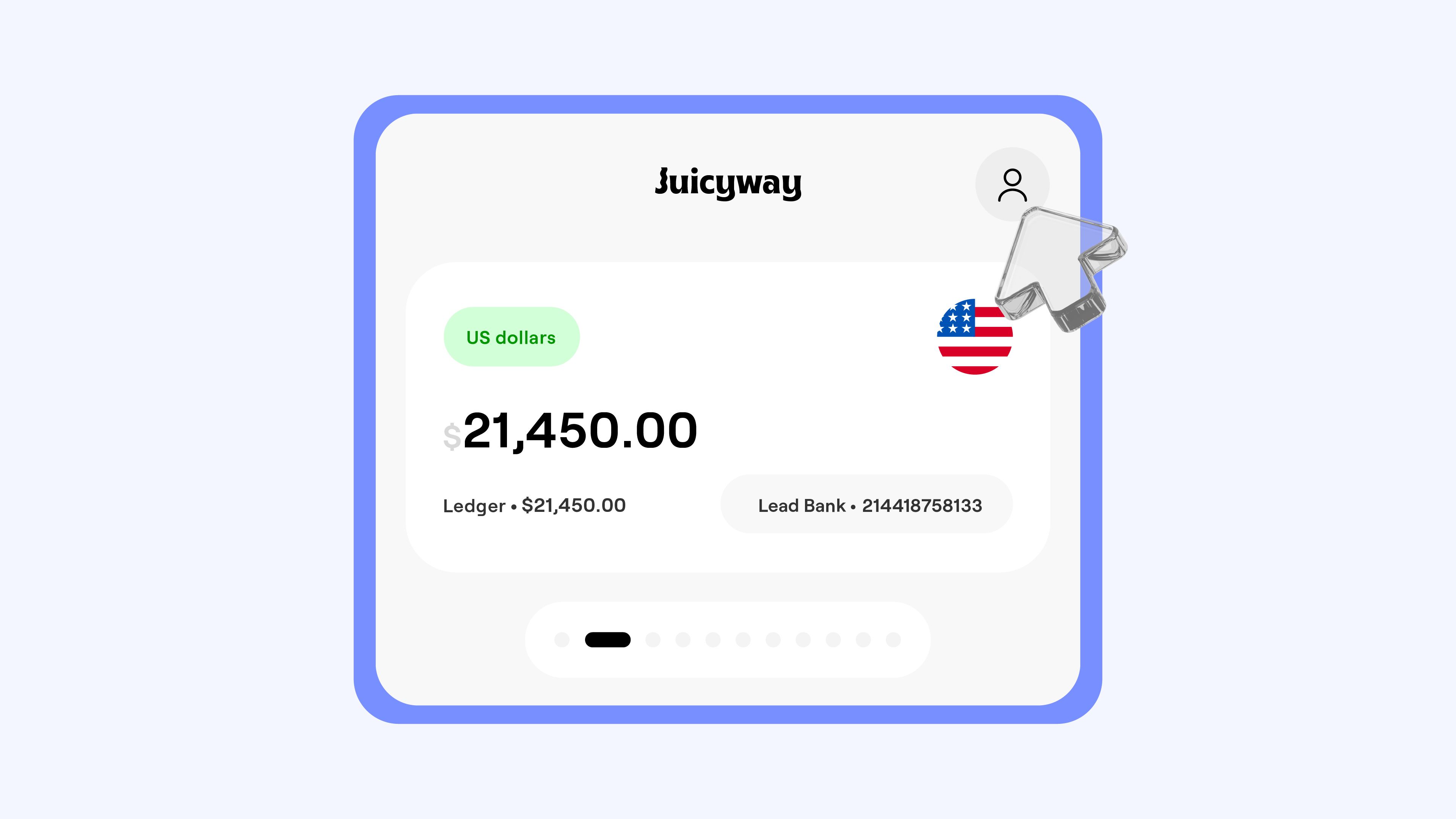
1. Tap your Profile at the top right corner of your dashboard.
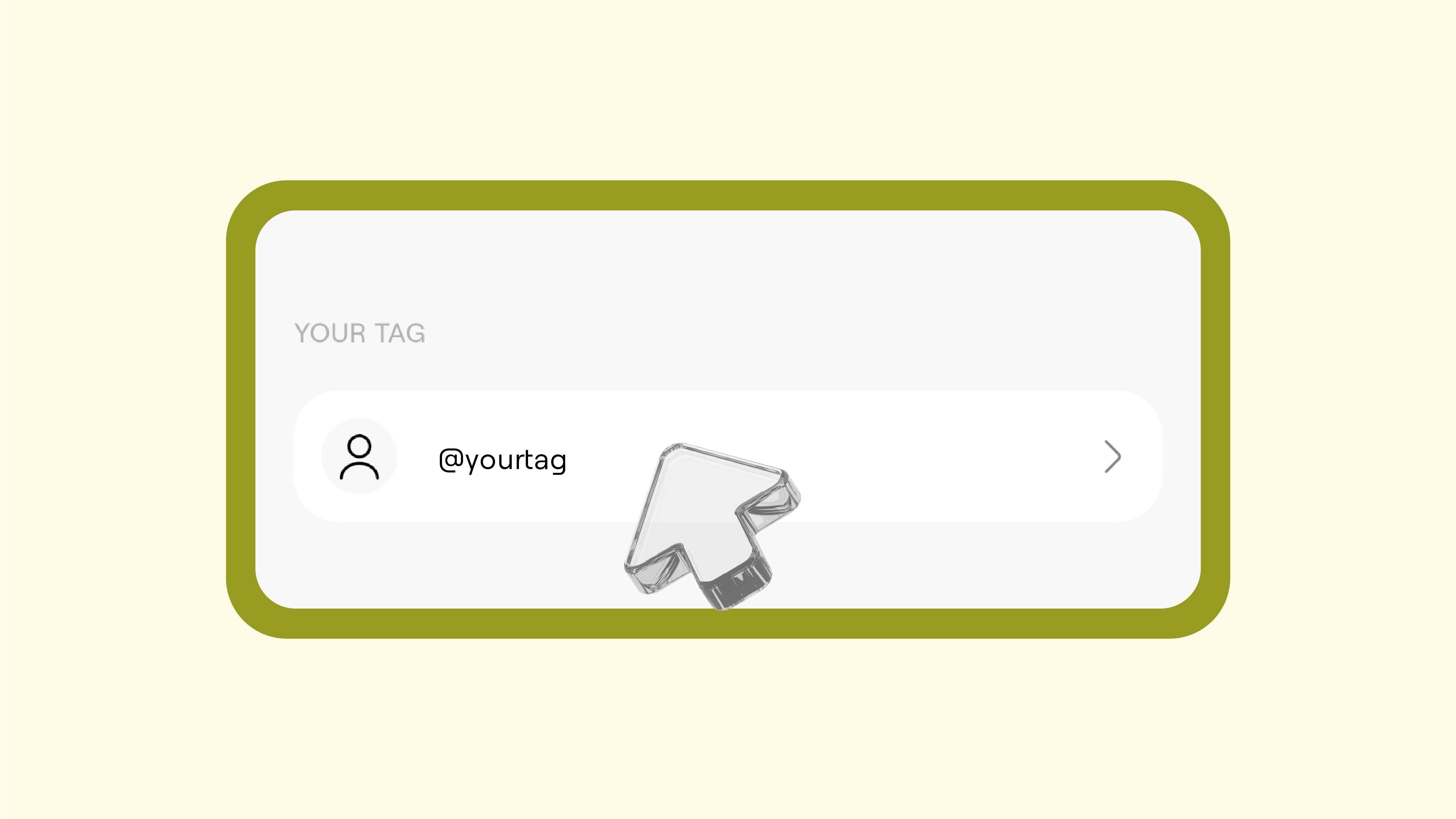
2. Select Juicyway Tag to view or edit your tag.
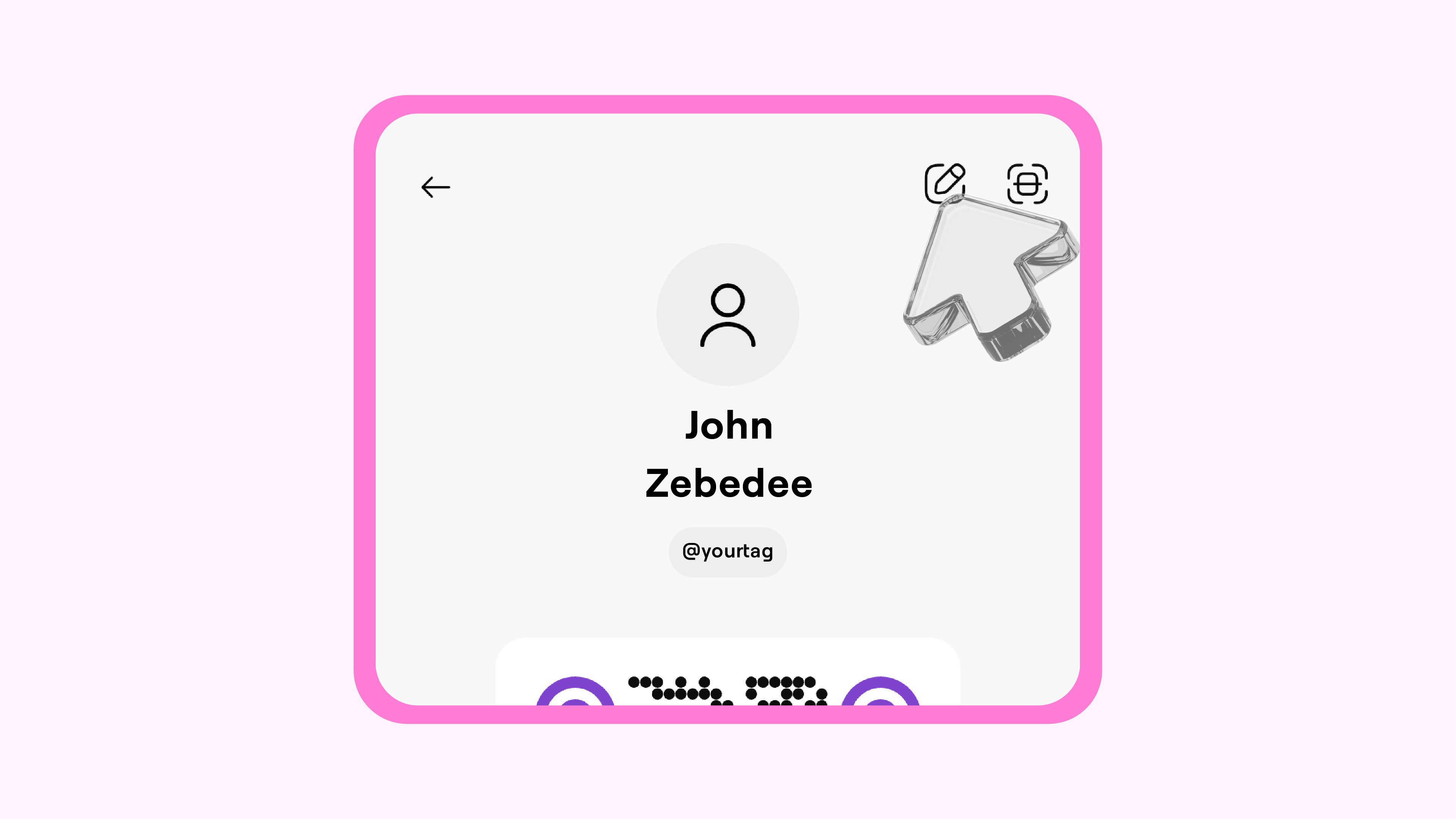
3. Want a personalised touch? Tap the edit icon and customise your tag to match your business or personal brand.
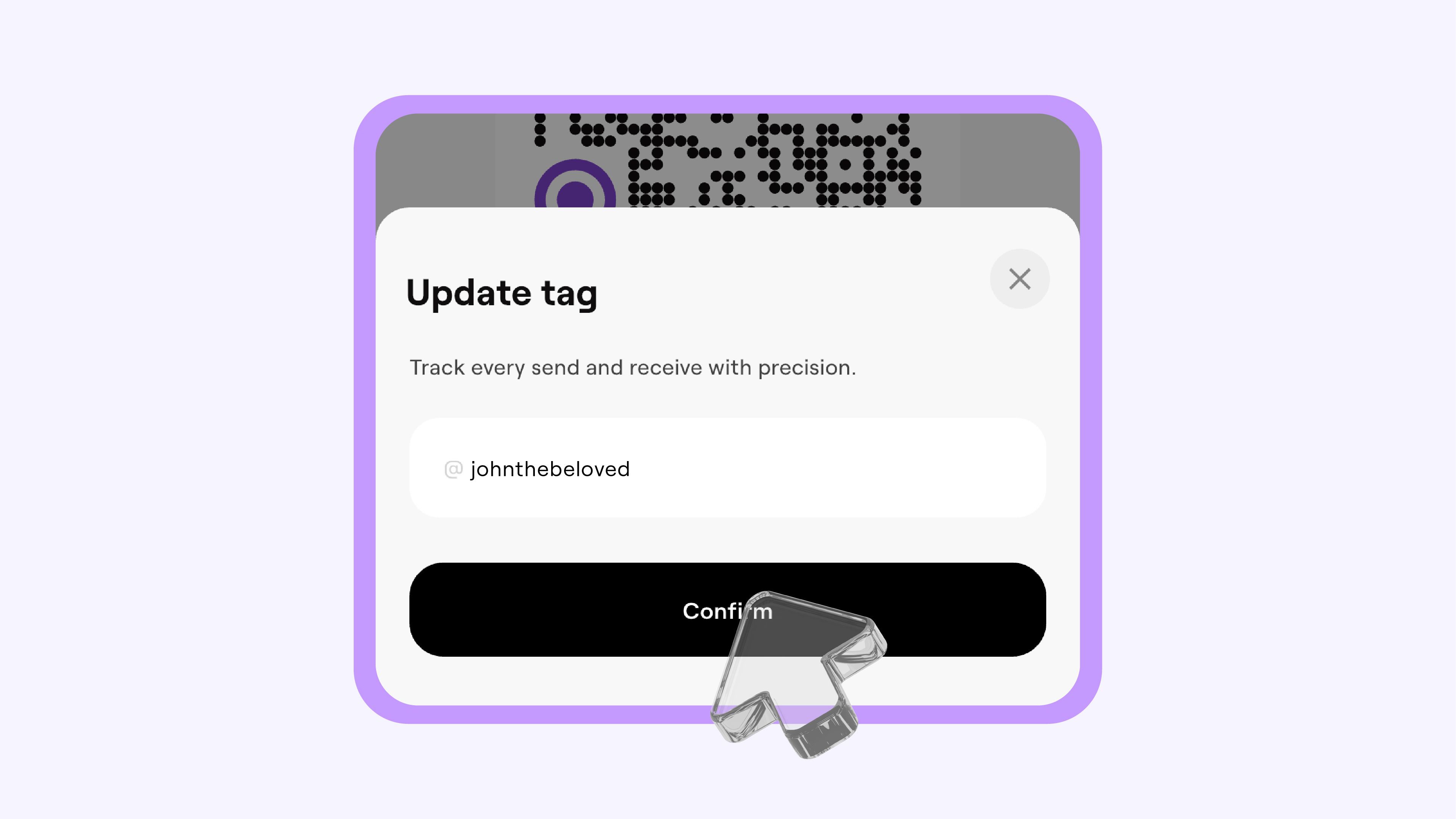
🚀 Pro Tip: A short, recognisable tag makes it easier for people to remember and use.
Step 3: Share Your Tag & Get Paid
You have two easy ways to share your Juicyway Tag:
💬 Copy & Send
- Tap “Copy” to grab your tag.
- Paste it into a message, email, or social post.
📸 Share as QR Code
- Tap “Share” to generate a QR code.
- Send it directly or display it for quick payments.
🎉 That’s it—your tag is good to go!
Ready to try it?
Log in to your Juicyway account and start sending your tag today!
FAQs
Do I need to create a tag? No, your tag is automatically generated when you sign up. You can customise it anytime.
Where can I share my tag? Anywhere! Send it via WhatsApp, Instagram, Twitter, email, or even embed it on your website.