


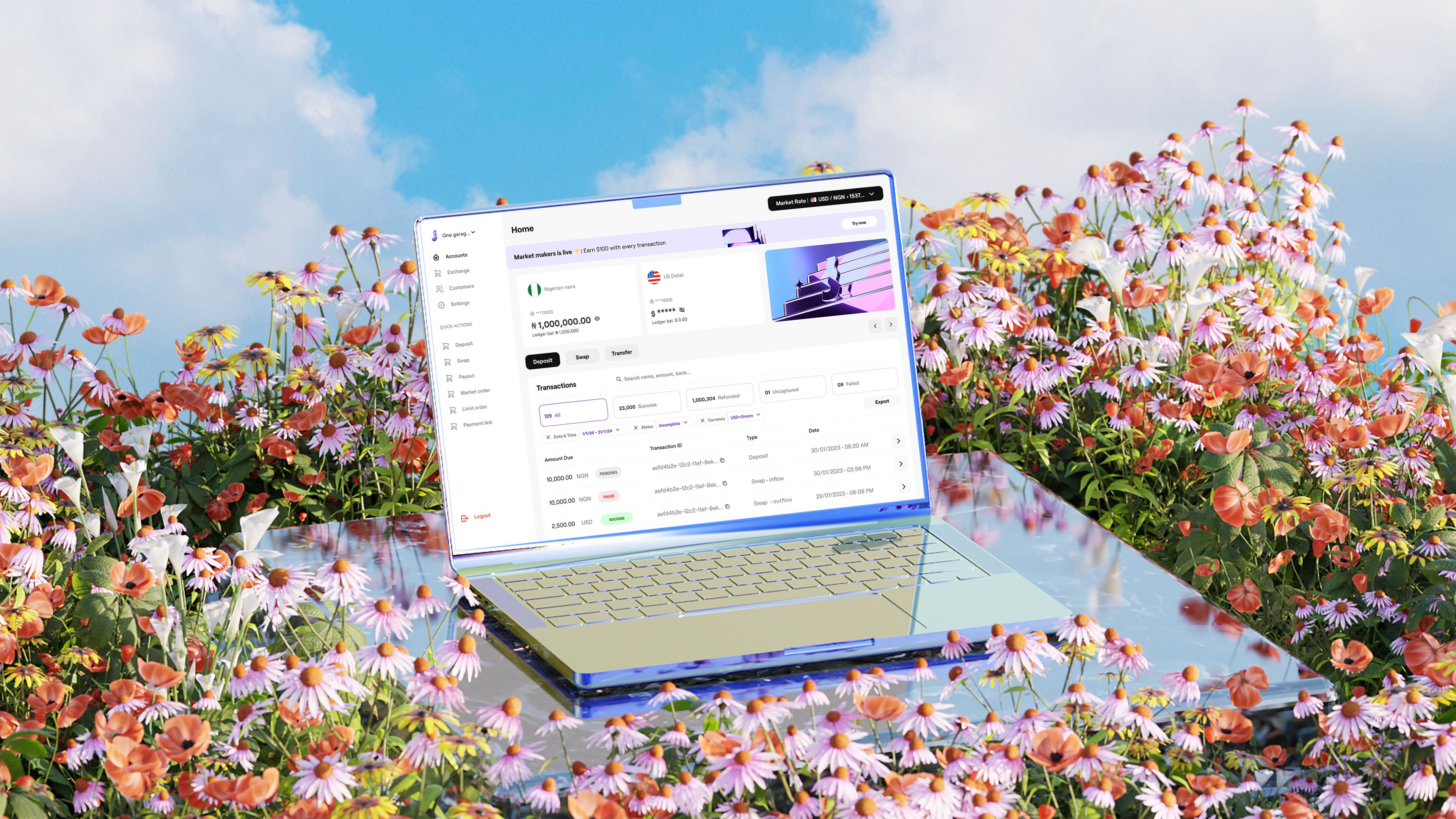
How to Set Up Your Juicyway Business Account (Step-by-Step Guide)
Getting started with Juicyway is fast, simple, and secure. Your business account unlocks seamless cross-border payments, helping you effortlessly send, receive, and manage transactions.
Follow this step-by-step guide to onboard your Juicyway Business Account in minutes.
Step 1: Log In to Your Juicyway Business Account
Log in to your Juicyway account to begin onboarding.
Are you having trouble logging in? Reset your password or contact support for help.
Step 2: Set Up Your Business Profile
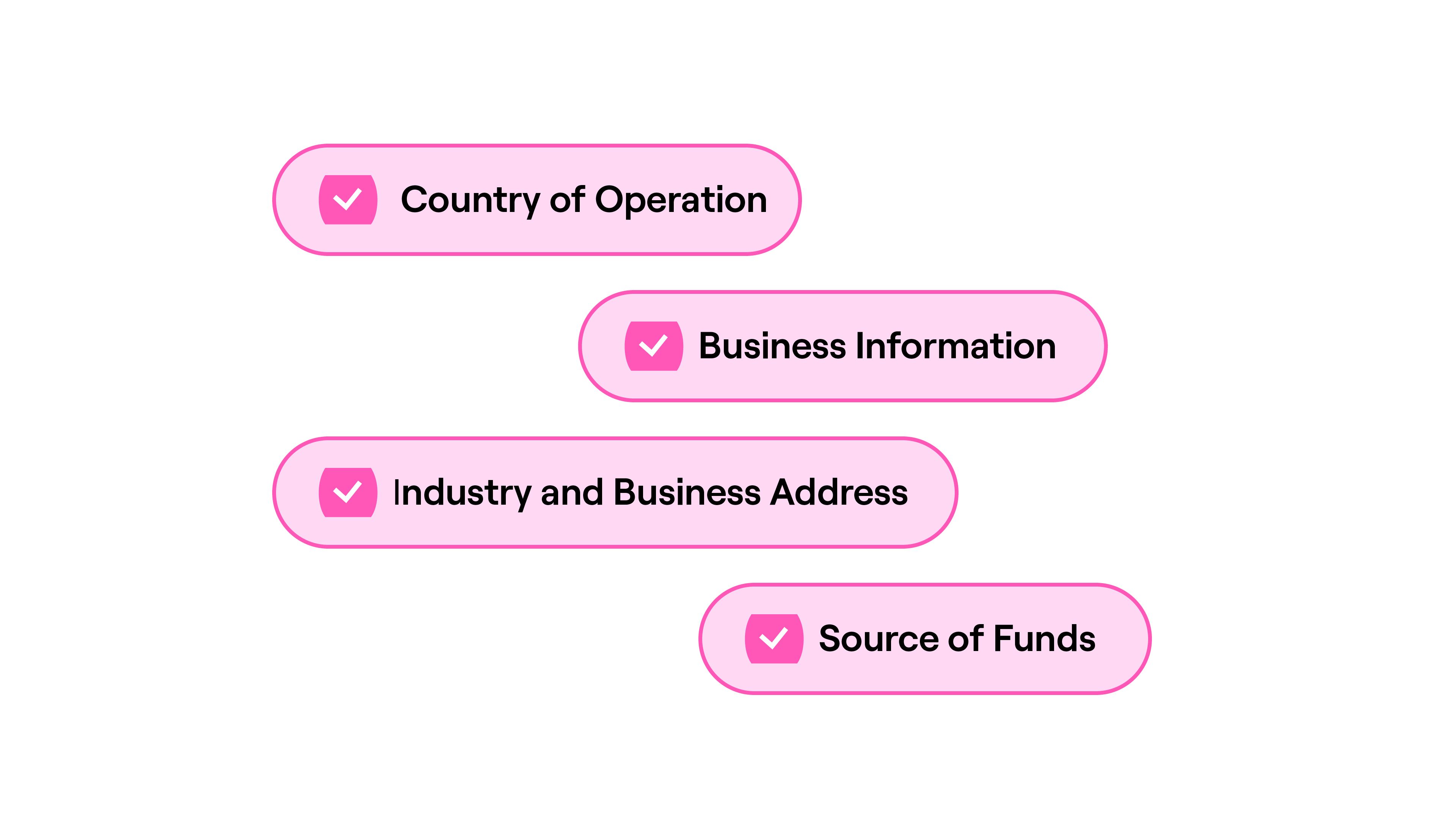
Tell us about your business by filling in key details:
✅ Country of operation
✅ Business information (email, business name, trading name, registration number, website, and tax ID)
✅ Industry and business address (must match your proof of address)
✅ Source of funds
📌 Proof of Address: You must also provide a utility bill or bank statement matching your business address.
Step 3: Submit Your Registration Details
- Select your business entity type from the drop-down menu
- Upload your business formation document and proof of ownership
These details verify your business and speed up approval.
Step 4: Add Stakeholder Information
Every business account must list at least one owner/shareholder and one director:
👤 Owner/Shareholder – Must hold at least 10% ownership👥 Director – Provide their official details
Adding complete stakeholder info ensures smooth verification.
Step 5: Review and Submit
The final step allows you to confirm whether all provided information is accurate and up to date
- Tick the agreement box to verify your details
- Click “Submit & Activate” to complete onboarding
🎉 That’s it! Your business account is now under review.
FAQs
How long does business account verification take?
Typically 2–5 business days. Submitting correct details speeds up the process.
What document formats are accepted?
Upload PDF files only—screenshots, JPG, JPEG, PNG, or edited documents are not accepted.
Can I edit my details after submission?
Yes, but only before the final submission. You’ll need to restart the onboarding process to make changes after submission.
Get Started Today
Juicyway makes business payments easier, faster, and borderless. Sign up now and start sending and receiving payments without limits.
🔗 Create Your Business Account Now